Even experienced finance teams hit avoidable errors when moving to FBR digital invoicing. Here are ten mistakes we see often — and how to prevent them before FBR rejects a submission.
Data and master-data errors
- Wrong or missing buyer NTN — save buyers in a library and validate before submit.
- Incorrect HS codes or UOM — use catalog lookups and consistent units per item.
- Province / registration mismatch — buyer address and registration must align with FBR rules.
- Duplicate invoice numbers — use sequential internal numbering and check drafts.
Environment and token mistakes
- Sandbox token on live invoices (or the reverse) — label tokens clearly in settings.
- Expired or rotated token — renew in IRIS and update software promptly.
- Skipping scenario testing — run required scenarios in sandbox first.
Process mistakes
- Submitting without validate — always validate; errors are cheaper before submit.
- Ignoring FBR error codes — map errors to field fixes instead of retrying blindly.
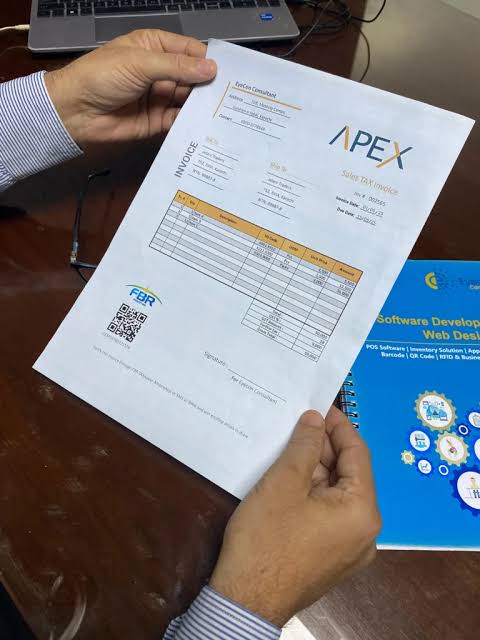
- No PDF / IRN archive — store IRN, QR, and PDF for every accepted invoice.
FBR Digital Invoicing validates first, submits when clean, and keeps branded PDFs with QR data. See the Help center for field-level troubleshooting.
FBR digital invoicing reference